User problem and audience
Users need a simple way to retain audio they are allowed to keep without sending tab audio to a remote service or guessing which source files are downloadable.
Core solution and workflow
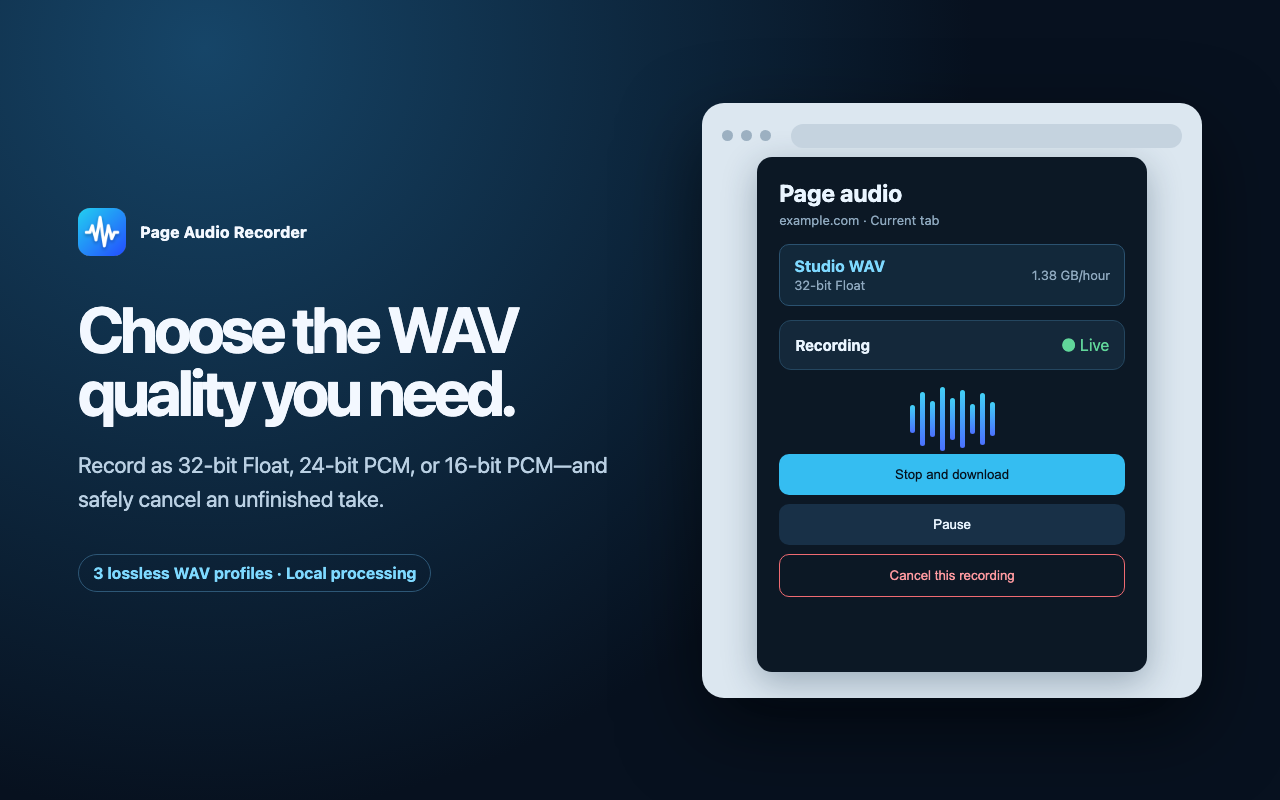
Open the extension on the active tab, preview or download a discoverable complete source resource when available, or record decoded tab audio to a WAV file with explicit stop, cancel, and recovery controls.
My role and technical scope
Product planning, interface design, Chrome / Edge extension implementation, WAV encoding, local storage recovery, localization, privacy copy, store assets, and release packaging.
Evidence and current state
- Real extension UI and store screenshots are included in the repository.
- The recorder writes WAV profiles and has tests for encoder behavior, segmentation, recovery, display state, and localization.
- The product has no account, analytics SDK, backend, database, telemetry, or audio upload path.
Privacy, security, and legal boundary
Audio processing and recoverable temporary files stay in the browser. The product does not claim DRM, paywall, authentication, blob-only stream, HLS, DASH, or access-control bypass.
Current state, limits, and next steps
The Chrome version is live. The Edge version remains under review until a valid Microsoft Edge Add-ons URL is configured.
- Add the official Edge listing after approval.
- Publish short bilingual usage guides.
- Use real install and feedback data to prioritize maintenance.
Install, docs, or contact
Chrome is live. Edge install link will appear after approval.